








使用微信快捷登录
或使用账号密码登录
使用微信快捷登录
或使用账号注册
返回列表 首页 / 任务 /[Home] A Brand New Home
我的小屋 ID 64605

[Home] A Brand New Home

独立任务

任务流程

按客户端任务状态整理条件、对话、交付动作与奖励。

0

接取前

节点 1
3 条条件 1 段对话 0 个动作
state 0
触发 / 完成条件
对话与说明
任务说明 0/info
Kenneth told you your house seemed pretty cramped, and suggested you visit him for some help. Could it be he wants to help you expand?
1

进行中 / 完成

节点 2
3 条条件 1 段对话 0 个动作
state 1
触发 / 完成条件
NPC:Kenneth 结束脚本:q64605e 任务变量:64605
对话与说明
任务说明 1/info
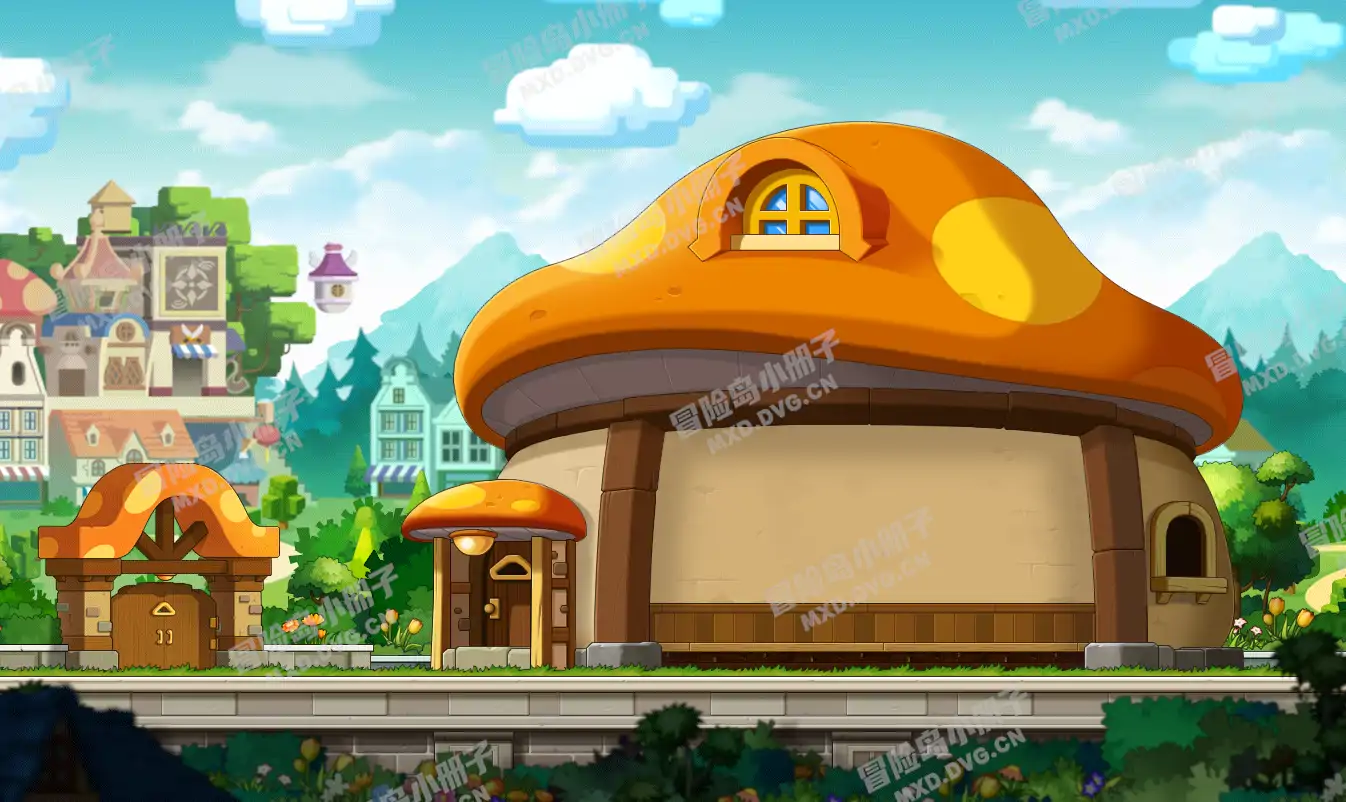
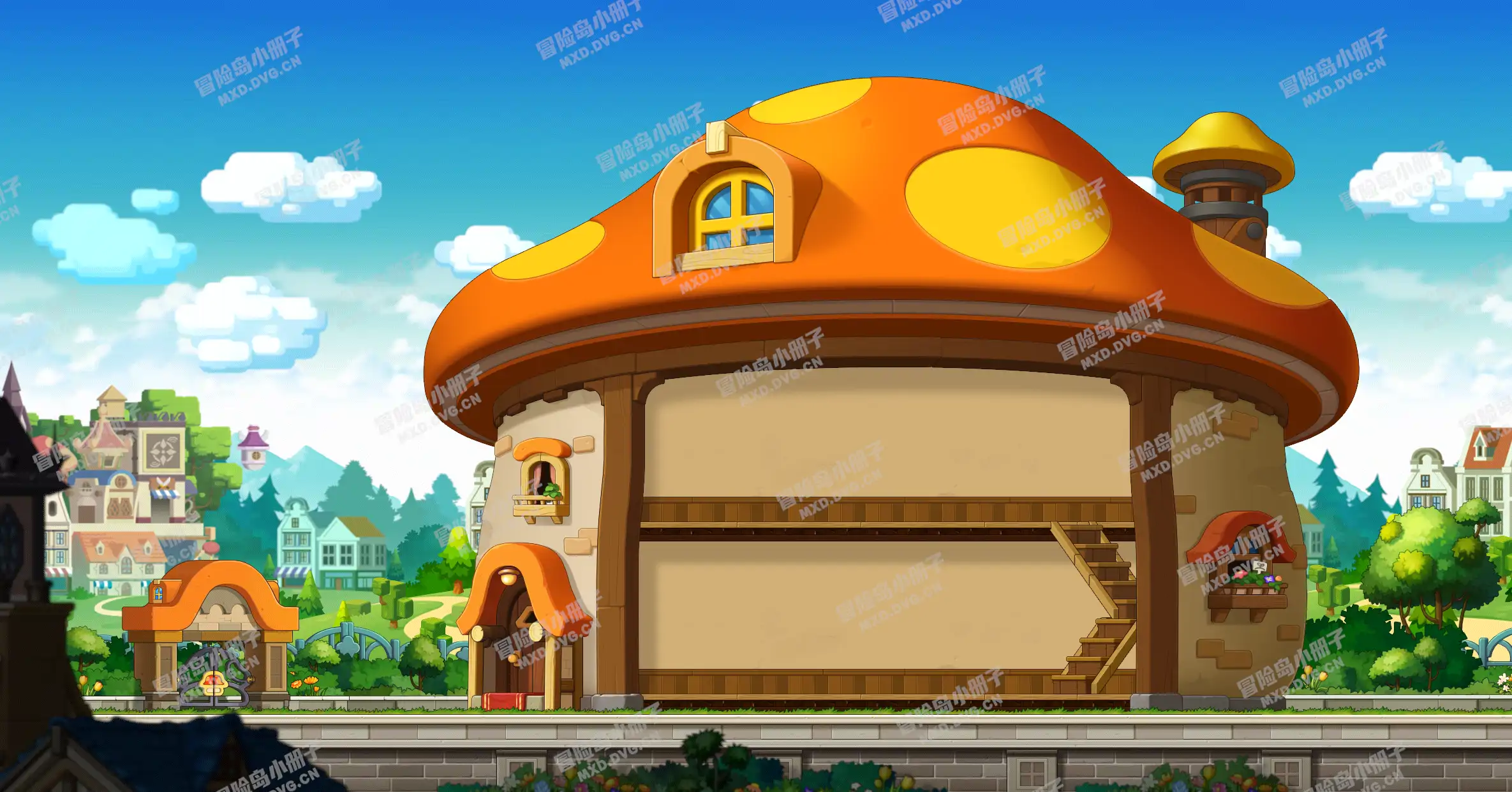
Alvin and Amy accompanied you on a visit to Kenneth's house, which was full of rare furnishings. Then Alvin informed you that you could you can obtain unique furnishings by defeating boss monsters. Kenneth gave you a Cozy Mushroom House Blueprint as a belated housewarming gift. Go back to the your house and renovate! [Tip: Building] 1. Double-click a blueprint from your inventory to add it to your list of available renovations. 2. Click the button in the Home menu to open the Build window. 3. Click the design you want to build using the menu on the right. Select your choice of roofs, exterior walls, and windows, then click the [Apply] button.
2

已完成

节点 3
0 条条件 1 段对话 0 个动作
state 2
对话与说明
任务说明 2/info
Alvin and Amy accompanied you on a visit to Kenneth's house, which was full of rare furnishings. Then Alvin informed you that you could you can obtain unique furnishings by defeating boss monsters. Kenneth gave you a Cozy Mushroom House Blueprint as a belated housewarming gift. Go back to the your house and renovate! [Tip: Building] 1. Double-click a blueprint from your inventory to add it to your list of available renovations. 2. Click the button in the Home menu to open the Build window. 3. Click the design you want to build using the menu on the right. Select your choice of roofs, exterior walls, and windows, then click the [Apply] button.

任务目标位置

显示相关 NPC 和怪物的地图位置、定位点与推荐走法。

4 处

相关道具

汇总任务过程中需求、交付和文本提及的道具,最终奖励只在任务奖励中展示。

1 项

任务奖励

暂无可展示奖励
交流讨论

分享修正、截图、路线细节,或提出关于这篇攻略的问题。

0 条评论 0 人参与
0/3000